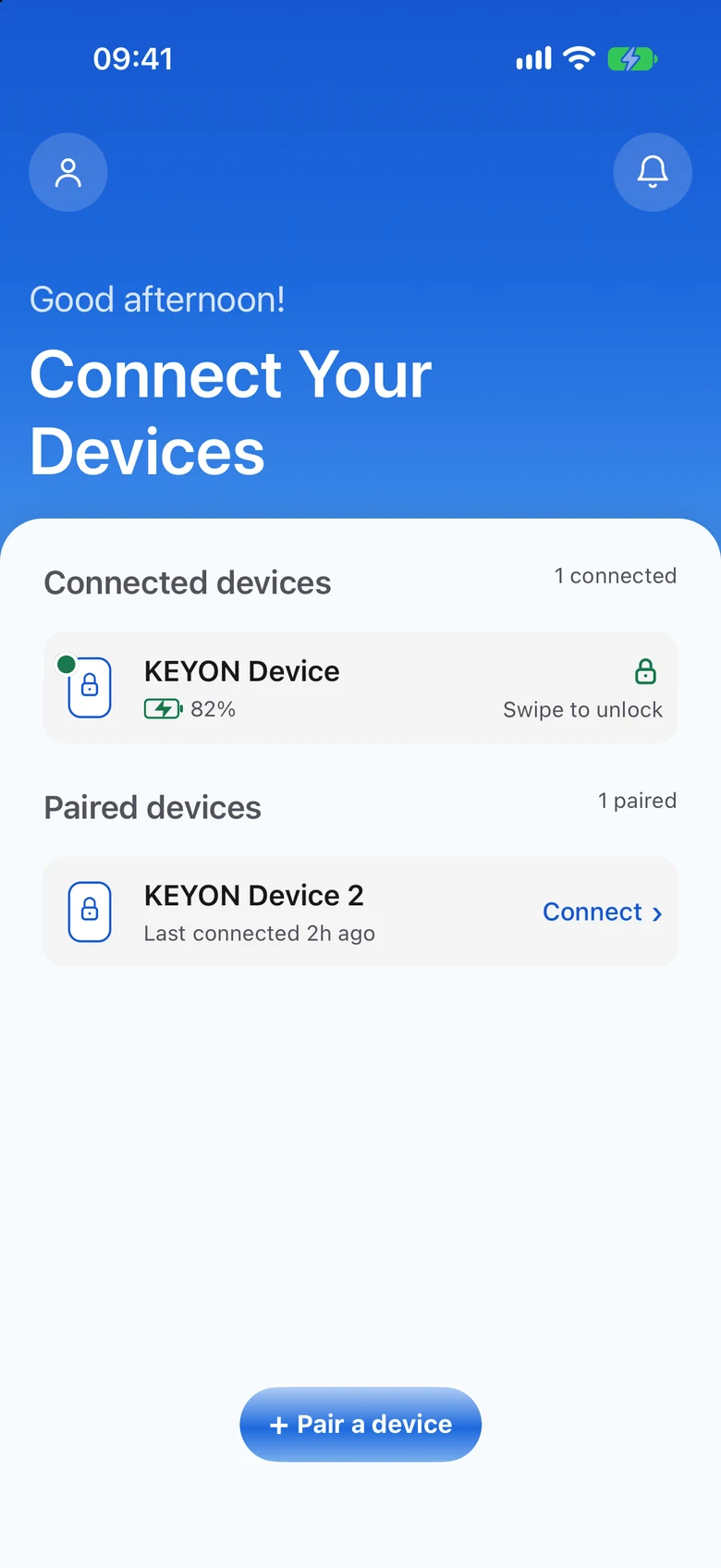
Multiple devices
Pair as many as you own. Connected devices sit on top, paired devices below.
Now in early access
Pair, name and manage every Bluetooth device from one app. Swipe to unlock when you are near. It locks itself when you leave.
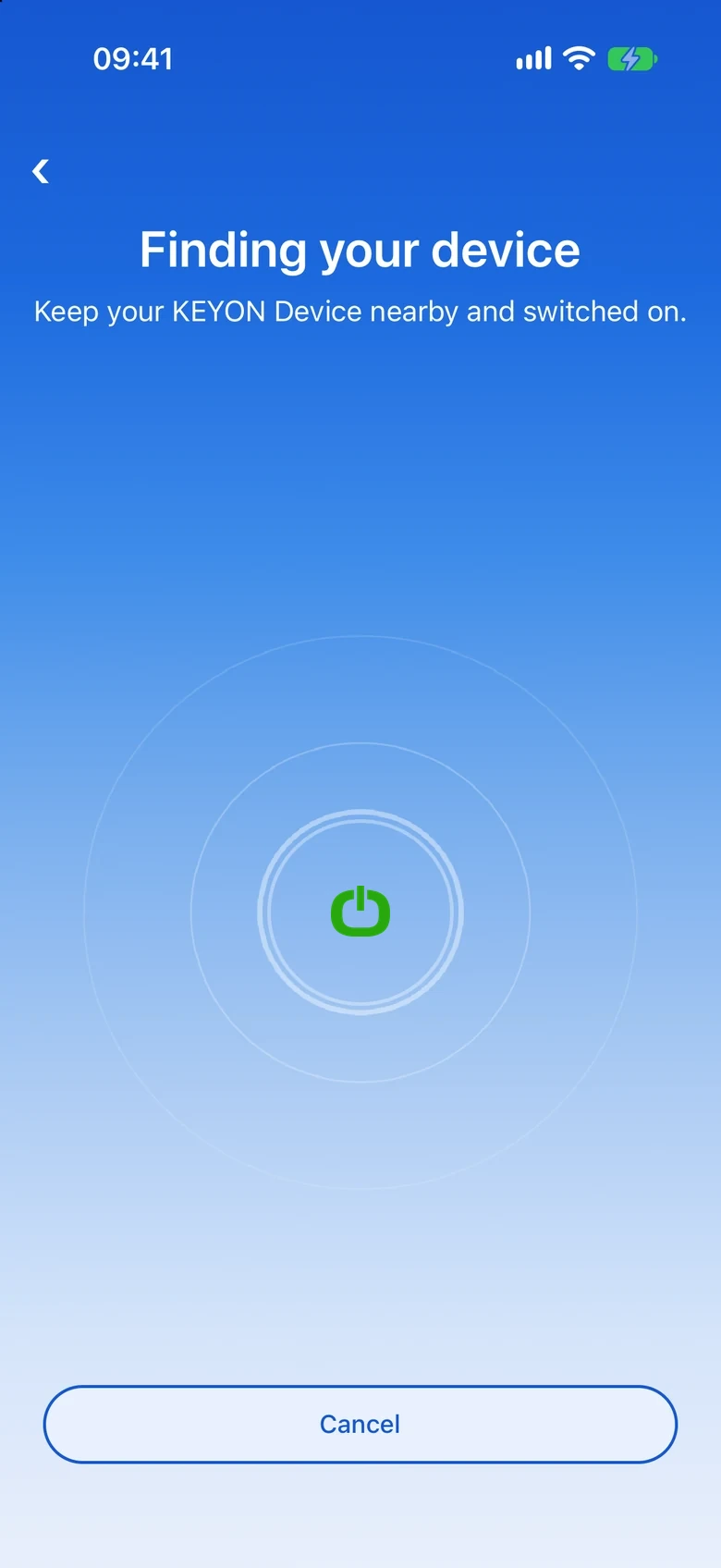
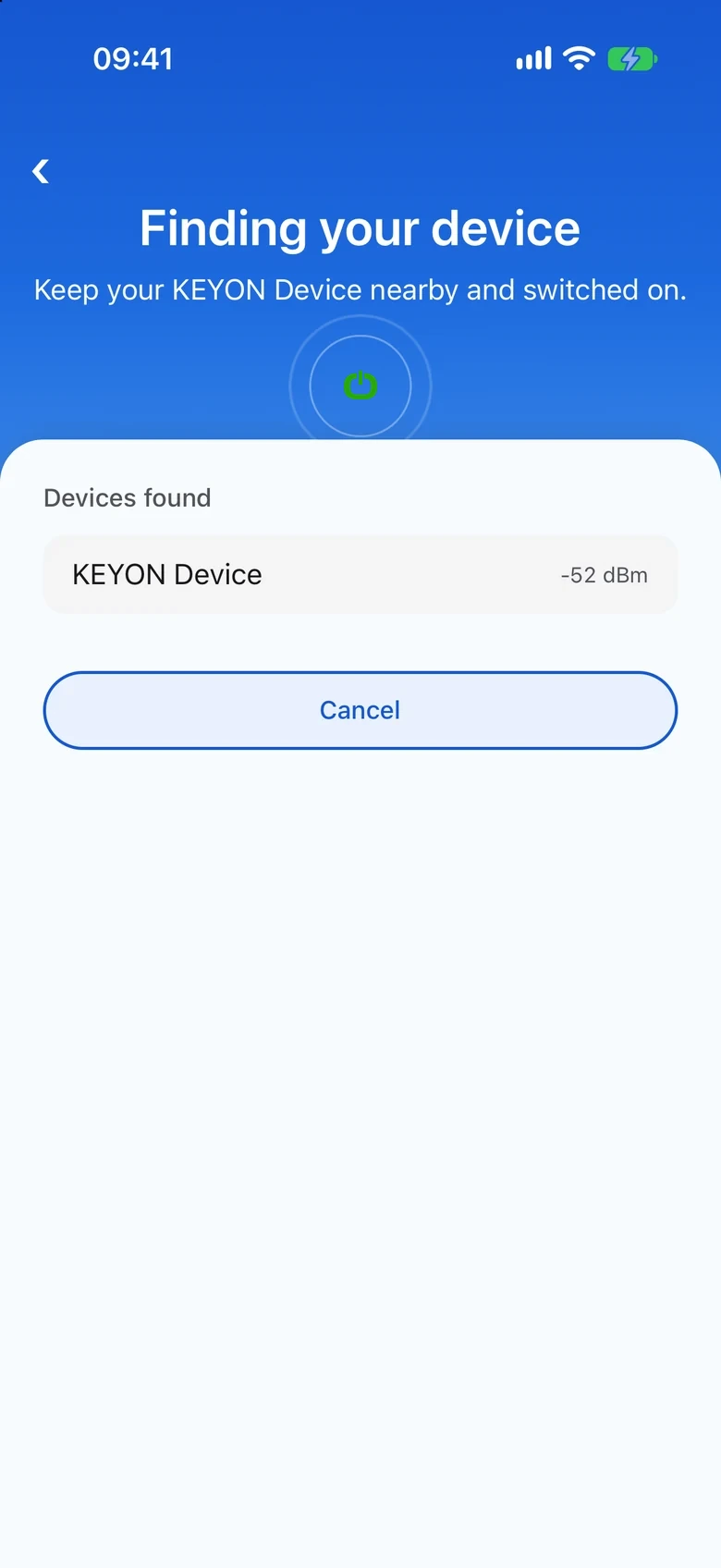
KEYON Device listens for your device, shows it the moment it appears, and remembers it for next time.
Switch your device on. KEYON Device starts looking right away.
It appears in "Devices found" with its signal strength.
It joins your account, with battery and lock status.
Connected devices sit on top. Paired ones sit below, with when you last used them.
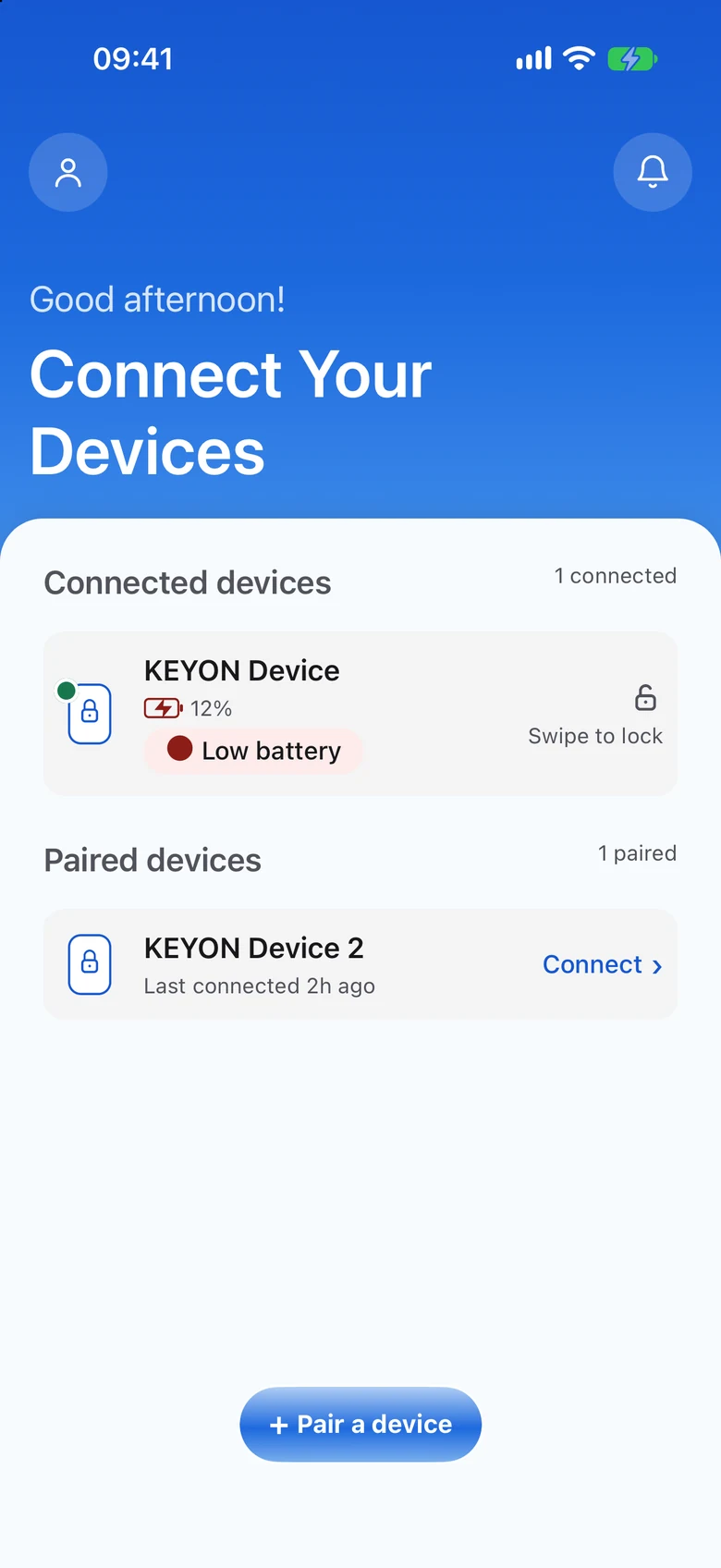
Swipe a device to unlock or lock it while your phone is close. Walk out of range and it locks on its own, even if KEYON Device is closed.
Pair as many as you own. Connected devices sit on top, paired devices below.
Out of range means locked, even when the app is closed.
Charge on every connected device, with a clear low warning.
Paired devices stay on your account, with the time you last used each.
Your email or phone number, with a one-time code.
It pairs your Bluetooth devices to your account, lets you manage them in one place, and keeps them locked unless your phone is nearby.
Yes. When your phone moves out of range, the device locks itself, even if KEYON Device is not running.
iPhone and Android. Keep Bluetooth switched on when you connect.
With your email or your phone number. We send a one-time code, so there is no password to remember.
Yes. Add as many as you own and manage them from the same screen.